---
title: Free Tech Stack Finder | ChatSpot AI
description: Discover what tech stack companies use in seconds with ChatSpot's Free Tech Stack Finder. Enter your desired domain into this AI prompt and learn which technology is being utilized.
---
**ChatSpot is graduating to HubSpot**
This month, we're moving ChatSpot into HubSpot to work alongside you wherever you are in your CRM. [Learn more](https://blog.chatspot.ai/chatspot-is-moving-into-hubspot?hsLang=en)
# Tech Stack Finder
Research a competitor's tech stack smarter with AI.
Simply input a company's domain into ChatSpot and discover what technology they use.
[ Use Tech Stack Finder ](https://app.hubspot.com/signup-hubspot/chatspot?&templateId=technology_used)
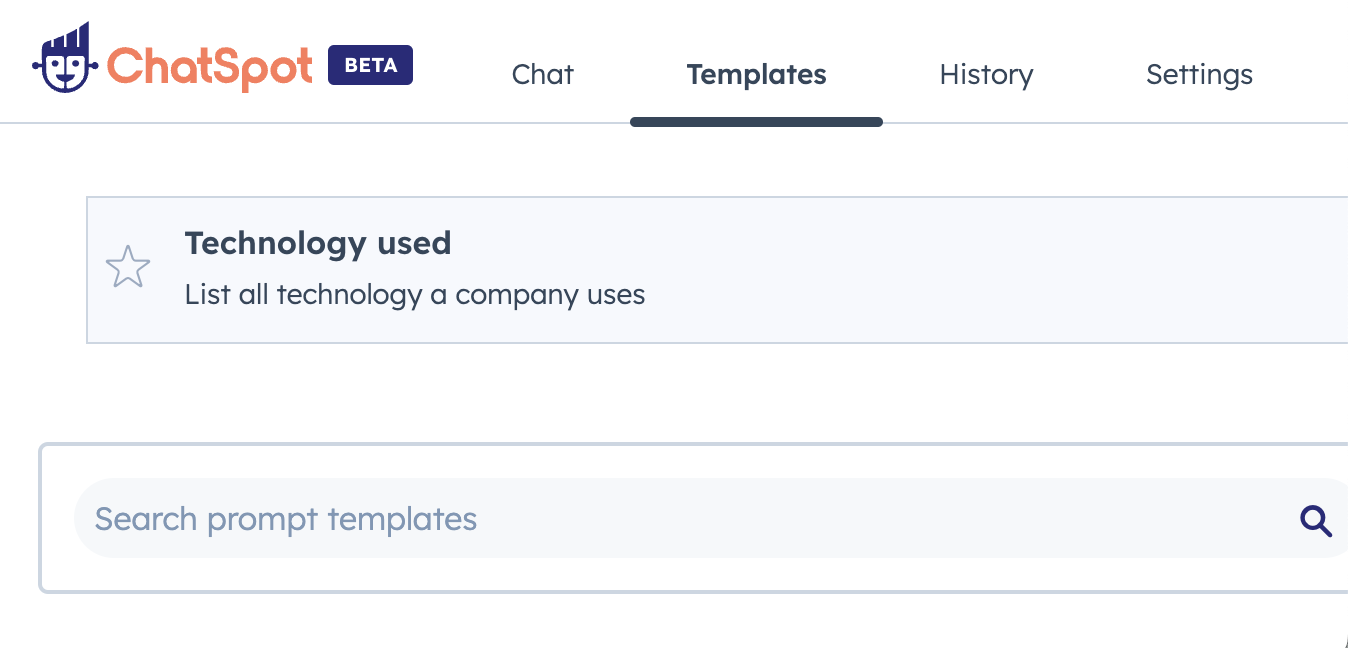
## What is a technology checker?
An AI technology checker, also known as tech stack finder, can help you discover what technology a website uses. It executes time-consuming research instantly.
Doing company research is necessary for your business to drive an effective sales and marketing strategy. It can help you understand your competitor's strengths and limitations based on their tech stack. ChatSpot makes the job easy — stay updated on your competitors.
## How to find the tech stack of a website
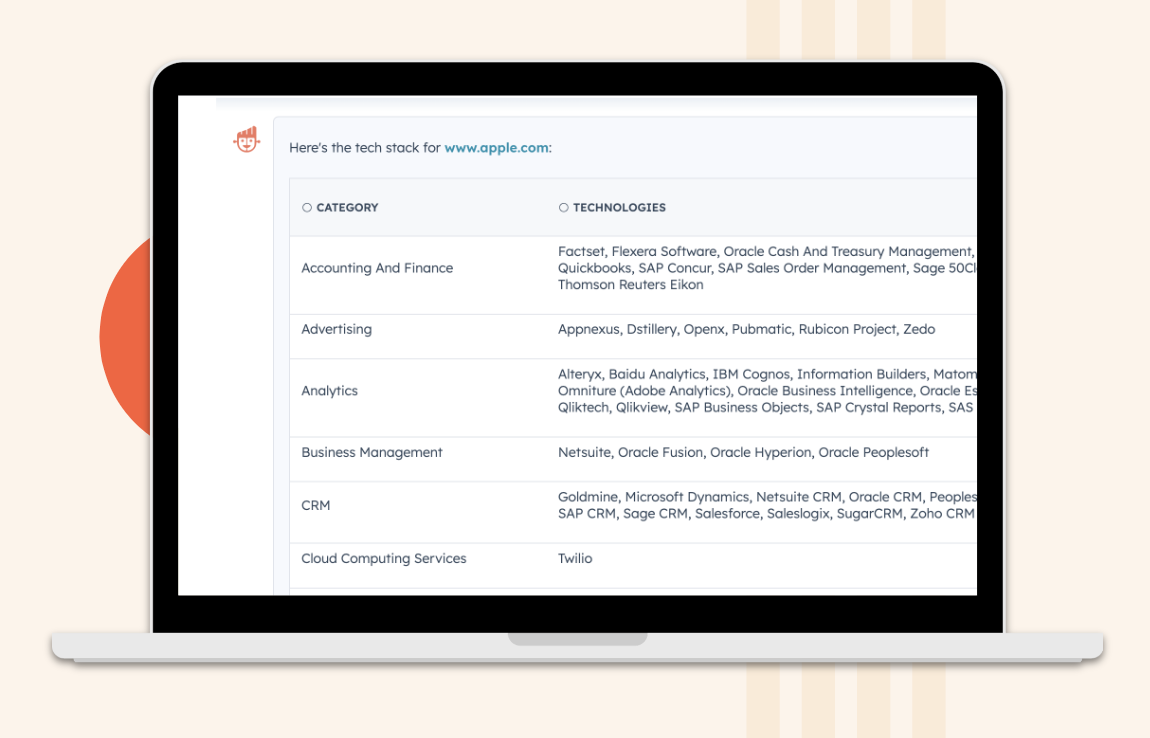
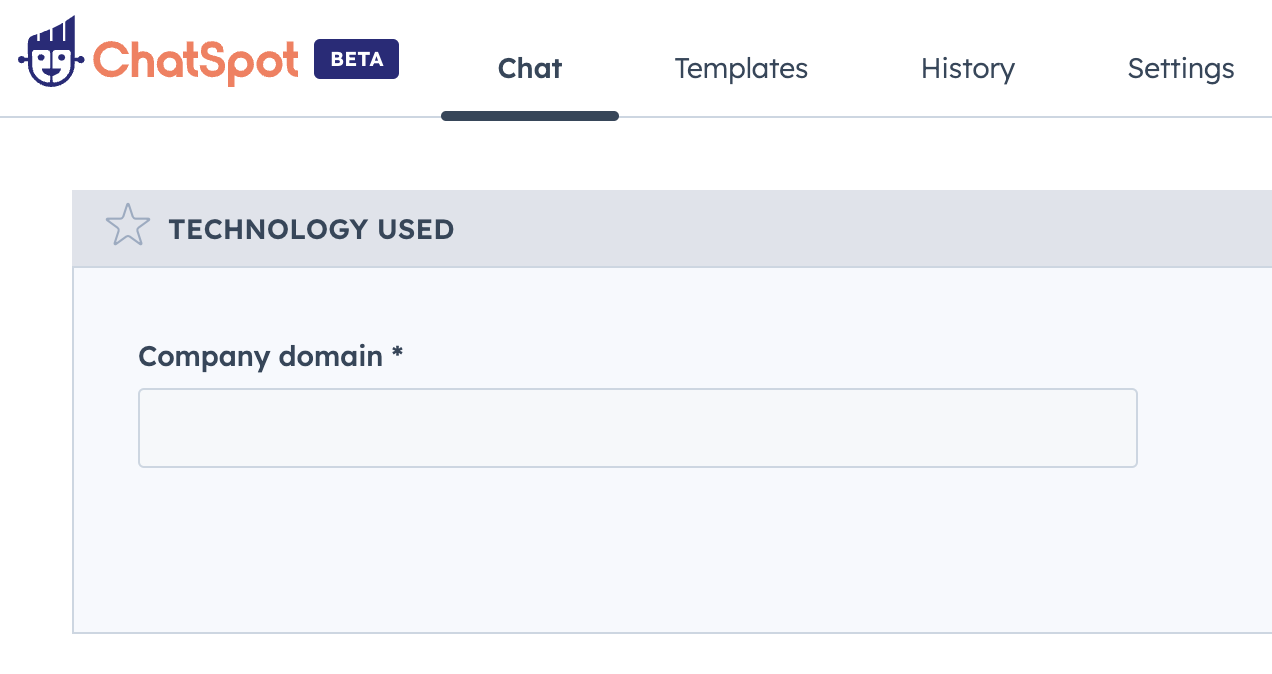
Simply input the URL of the company you wish to analyze. ChatSpot will produce a list outlining your competitor's tech stack.
The technology is bucketed into different categories, including accounting and finance, advertising, analytics, and more for easy viewing.

[ Research your competitors for free ](https://app.hubspot.com/signup-hubspot/chatspot?&templateId=blog_generator)
## Frequently Asked Questions
#### What is ChatSpot?
[ChatSpot](https://www.hubspotlabs.com/?hsLang=en) is an AI-powered sales and marketing assistant designed to help your businesses grow.
ChatSpot combines the power of ChatGPT with dozens of unique data sources, most notably the [HubSpot CRM](https://hubspot.com).
ChatSpot is tailor-made for growing businesses like yours and completely free to use for everyone, even if you aren't yet using the HubSpot CRM.
ChatSpot has many functions like AI content writing, research, and SEO assistance. If you're a HubSpot user, ChatSpot can help you execute actions quickly within your account.
#### How do I use ChatSpot as a tech stack finder?
A [tech stack finder](https://app.hubspot.com/signup-hubspot/chatspot?&templateId=32) helps you research competitors smarter. Once you input a desired domain name or URL, ChatSpot will provide you with a complete list of tech used rapidly.
If you're interested in diving deeper into your company research, you can explore other AI prompts within ChatSpot. Researching has never been easier or faster.
#### What does ChatSpot do with my data?
Please reference the [ChatSpot FAQ page](https://www.hubspotlabs.com/faq?hsLang=en) for in-depth information on how data is being used by the tool.
#### Is ChatSpot really free?
Yes! ChatSpot is completely free to use.
```json
{
"@context": "https://schema.org",
"@type": "FAQPage",
"mainEntity": [{
"@type": "Question",
"name": "Does ChatSpot.ai have access to all of my HubSpot data?",
"acceptedAnswer": {
"@type": "Answer",
"text": "ChatSpot.ai will access the data you request it to surface via interacting with ChatSpot.ai. HubSpot customer data is not preemptively synchronized or downloaded to a separate database. Access to data within a HubSpot account is initiated based on a user-submitted prompt. It occurs on an 'as needed' basis.
"
}
}, {
"@type": "Question",
"name": "What data does ChatSpot.ai share with OpenAI? How is it being used by OpenAI?",
"acceptedAnswer": {
"@type": "Answer",
"text": "The prompts you submit to ChatSpot.ai will be shared with OpenAI. For example, if you ask ChatSpot.ai to 'add xyz@gmail.com to my CRM', the text in quotes will be shared with OpenAI.
OpenAI will not use your prompts to train or improve their models. OpenAI will use your prompts for content moderation purposes and will delete those prompts after 30 days. You can learn more about how OpenAI uses your prompts by reviewing OpenAI's API Data Usage Policy.
"
}
}, {
"@type": "Question",
"name": "What data is being shared with third parties when I use ChatSpot.ai?",
"acceptedAnswer": {
"@type": "Answer",
"text": "Your user prompts (e.g., when you ask ChatSpot.ai to 'add xyz@gmail.com to my CRM') will be shared with OpenAI and stored by ChatSpot.ai.
Your user prompts and customer data in your HubSpot account will not be shared with other third parties in a way that is attributable to you. ChatSpot.ai will parse your user prompts and submit 'queries' to other third parties that provide information in ChatSpot.ai results; these queries will not be attributable to you as a user.
You may choose to integrate your Google Drive account with ChatSpot.ai, but ChatSpot.ai only has access to documents it creates (e.g., Google Sheets and Slides) – it cannot read any other Google documents in your account.
"
}
}, {
"@type": "Question",
"name": "If my HubSpot account is hosted on the EU data center, and I use ChatSpot.ai, will my data leave the EU?",
"acceptedAnswer": {
"@type": "Answer",
"text": "Yes. As stated in OpenAI's API Data Usage Policy, OpenAI processes and stores data in the US. ChatSpot.ai has signed a Data Processing Agreement with OpenAI with adequate data transfer mechanisms in place. HubSpot will also store your prompts and inputs on its product infrastructure in the US.
"
}
}, {
"@type": "Question",
"name": "What is the source of the output? How accurate are the results?",
"acceptedAnswer": {
"@type": "Answer",
"text": "ChatSpot.ai uses a variety of services to respond to your questions and prompts. For example, if you ask ChatSpot.ai for news about a specific company, ChatSpot.ai will use a news API to surface relevant news stories. This tool is still in beta, so you should verify the accuracy of content generated by ChatSpot.ai.
"
}
}, {
"@type": "Question",
"name": "How does ChatSpot.ai handle user permissions?",
"acceptedAnswer": {
"@type": "Answer",
"text": "Any HubSpot user that has sufficient permission to install applications can install ChatSpot (this is controlled by user role permissioning in HubSpot).
ChatSpot limits users to accessing only the types of data permitted, based on their OAuth access grant. However, OAuth applications do not enforce security for individual objects. So, if a user has the ability to view contacts, they will be able to view all contacts.
"
}
}]
}
```